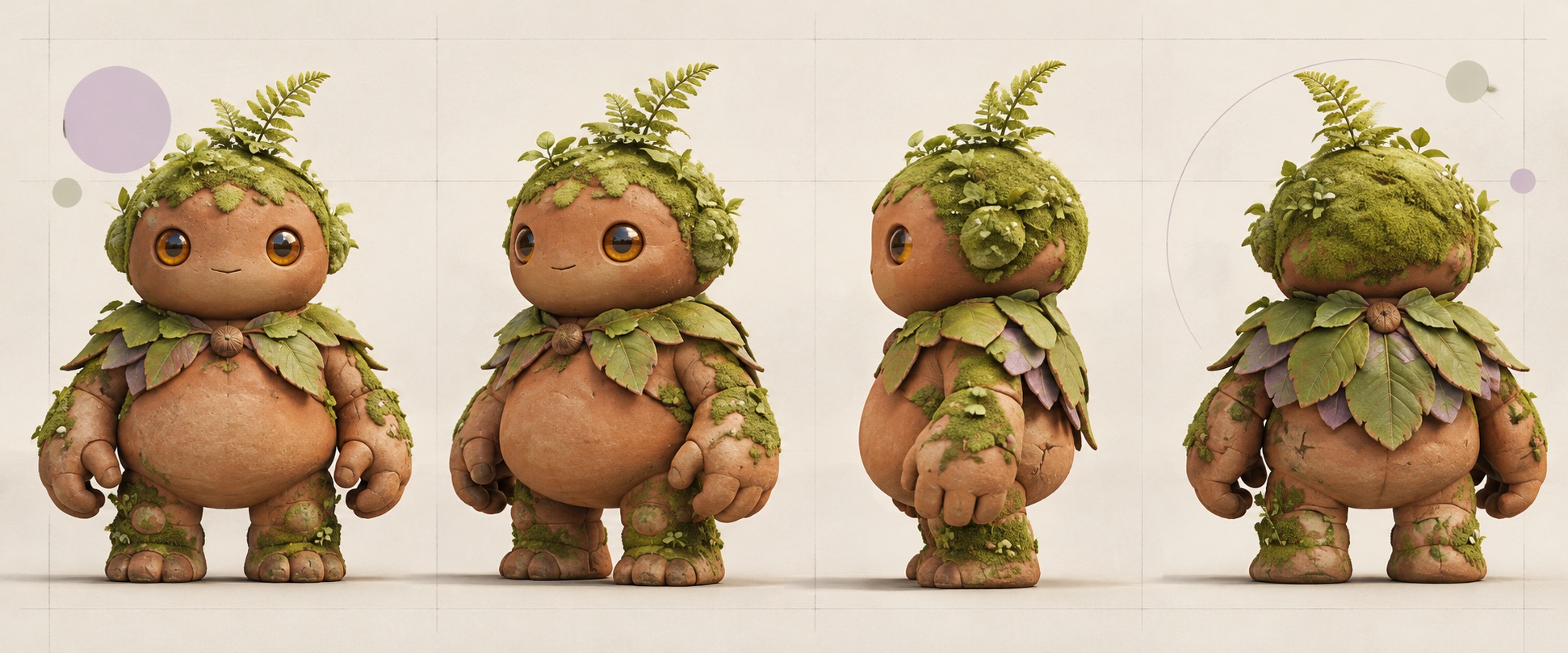
CHARACTER REFERENCE
One character to start with
This character is carried into each scene while keeping its leafy cape, fern crown, and warm wood-toned face.
Start with a character image you already like. Describe new scenes, poses, or expressions, then use the reference to guide each image and keep your character recognizable.
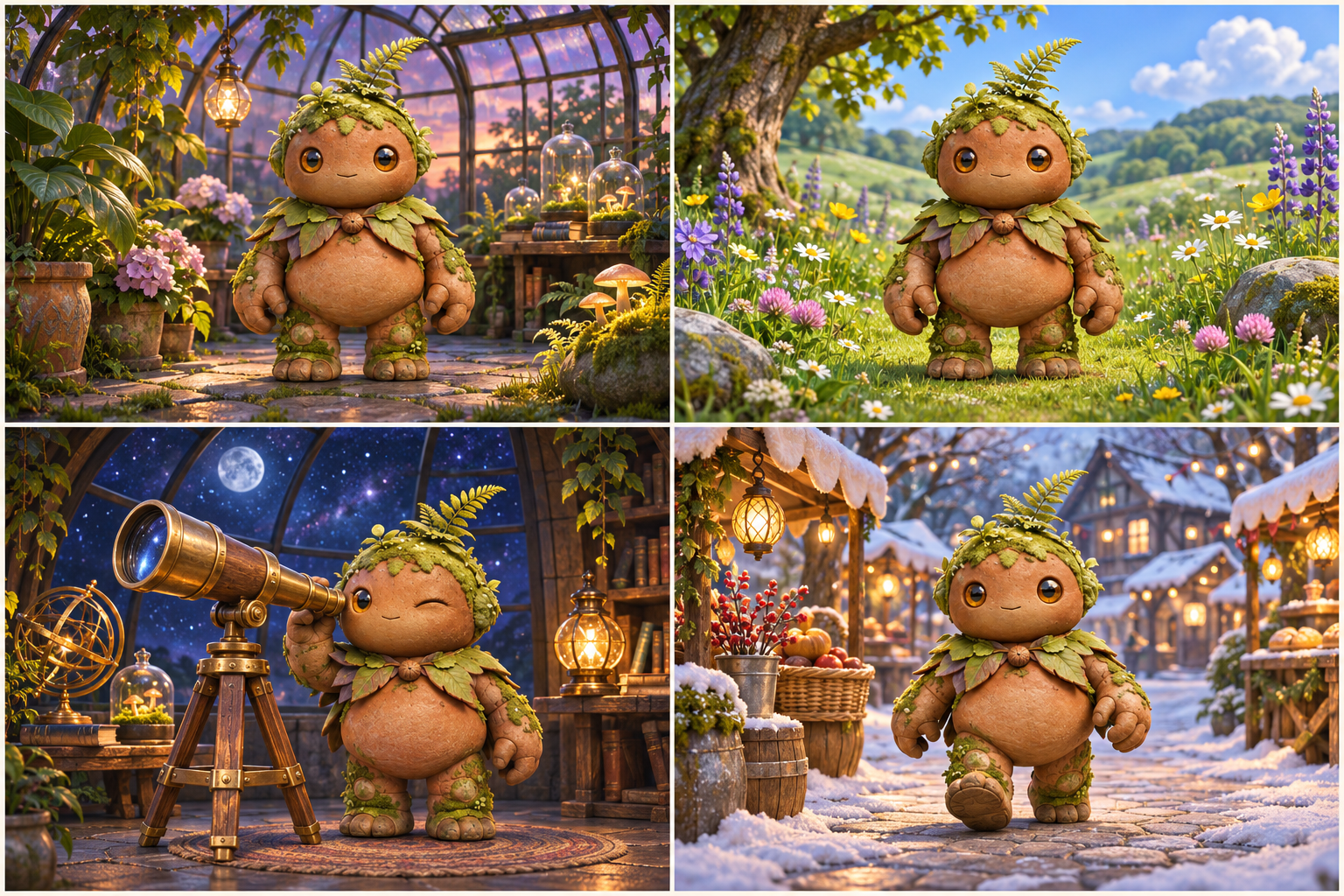
Upload a reference, describe up to four story moments, and generate a separate image for each scene. Switch to the character sheet workflow whenever you need production views.
Explore storybook scenes, pose and expression ideas, character variations, or a production turnaround from the character image you already have.
This character is carried into each scene while keeping its leafy cape, fern crown, and warm wood-toned face.
Golden lantern light and oversized flowers create a quiet evening discovery.
Generated examples are illustrative. Results vary with the reference image and selected settings.
Use a reference image to guide new scenes, actions, and expressions. The generator aims to carry key design details forward, while every result remains worth a careful review.
Guide facial features, hair, clothing, and colors with the image you provide. Results can vary, especially where the reference does not show a detail.
Describe up to four story moments and generate a separate image for each one from the same character reference.
Describe a new action or mood and use the reference image to guide the character's recognizable details.
Open each generated scene, check the character details, and download the images you want to keep.
Create multiple character-led story moments from a single reference image.
Choose a clear character image that shows the design you want to carry into the new views.
Add up to four scene prompts, including the setting, action, expression, and mood you want to explore.
Generate a separate image for each scene, review character details, and download your images together.
Learn how to use a character reference to create new scenes, poses, and expressions while reviewing results for visual consistency.
Character Consistency AI uses a reference image to guide new character scenes, poses, and expressions. Upload an image, describe what should happen, and review the generated results for differences.
The reference helps guide the character’s recognizable details, but no generated result is guaranteed to be identical. Pose, style, and details not visible in the source can vary.
Yes. Describe up to four story moments and generate a separate image for each from the same character reference. Review each result for details that may vary before using it in a finished project.
This generator uses one character reference to guide new scenes, poses, and expressions. It complements tools such as Midjourney or Flux with a focused workflow for repeated character image creation. Generated results can vary and should be reviewed.
You can use illustrated, anime, stylized 3D, human, or fantasy characters. Upload a PNG, JPG, or WebP image up to 10 MB.
Yes. Add up to four separate scene descriptions in the story scene workflow. Each prompt is generated as its own image and uses the standard image credit amount.
Start with one reference, describe the next moment, and review each generated scene before sharing it.
Create Character Scenes